Make ideas
playable.
A little interaction can tell a bigger story. Turn local assets into lightweight discovery games—with Codex, Blender, and Cocos Creator.




A lasting discovery.
Room for your ideas.
Good things deserve
a little discovery.
Behind an olive, a handmade product, or a day’s harvest is someone worth knowing. What if an expo visitor could discover that story through play?
AI Games Studio explores that idea through a free product-discovery prototype. It’s a tool for learning, making, and helping local creators tell their own stories.
Meet the person behind itFrom the workspace
to “let me try.”
Meet the project in 30 seconds, then try the browser game yourself. No install needed to play.
Spin. Match.
Meet the harvest.
Explore a three-reel product game with illustrated farm symbols, product stories, and a guided win example.
Open the game Free play. No payment or deposit. Displayed offers are examples, with no redeemable rewards.Every step is
yours to edit.
Start with a template, bring your assets, and keep the creative decisions in your hands.
A place for every ingredient.
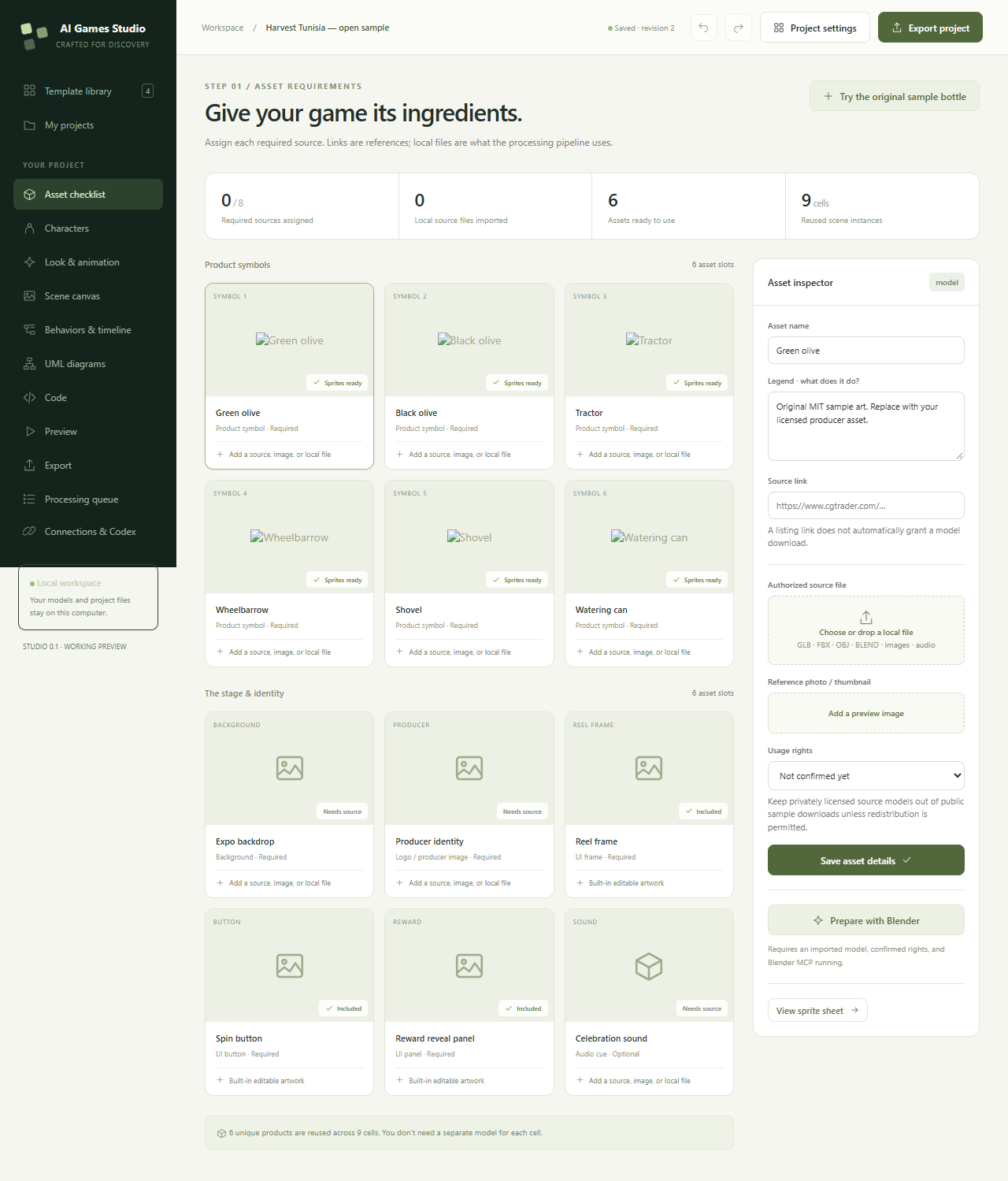
Choose an authoring preset, then see the product symbols, UI pieces, and optional character files it needs. Add legends, source references, and usage-rights information.
Get the local workspace running ↗Draw the behavior.
See the code change.
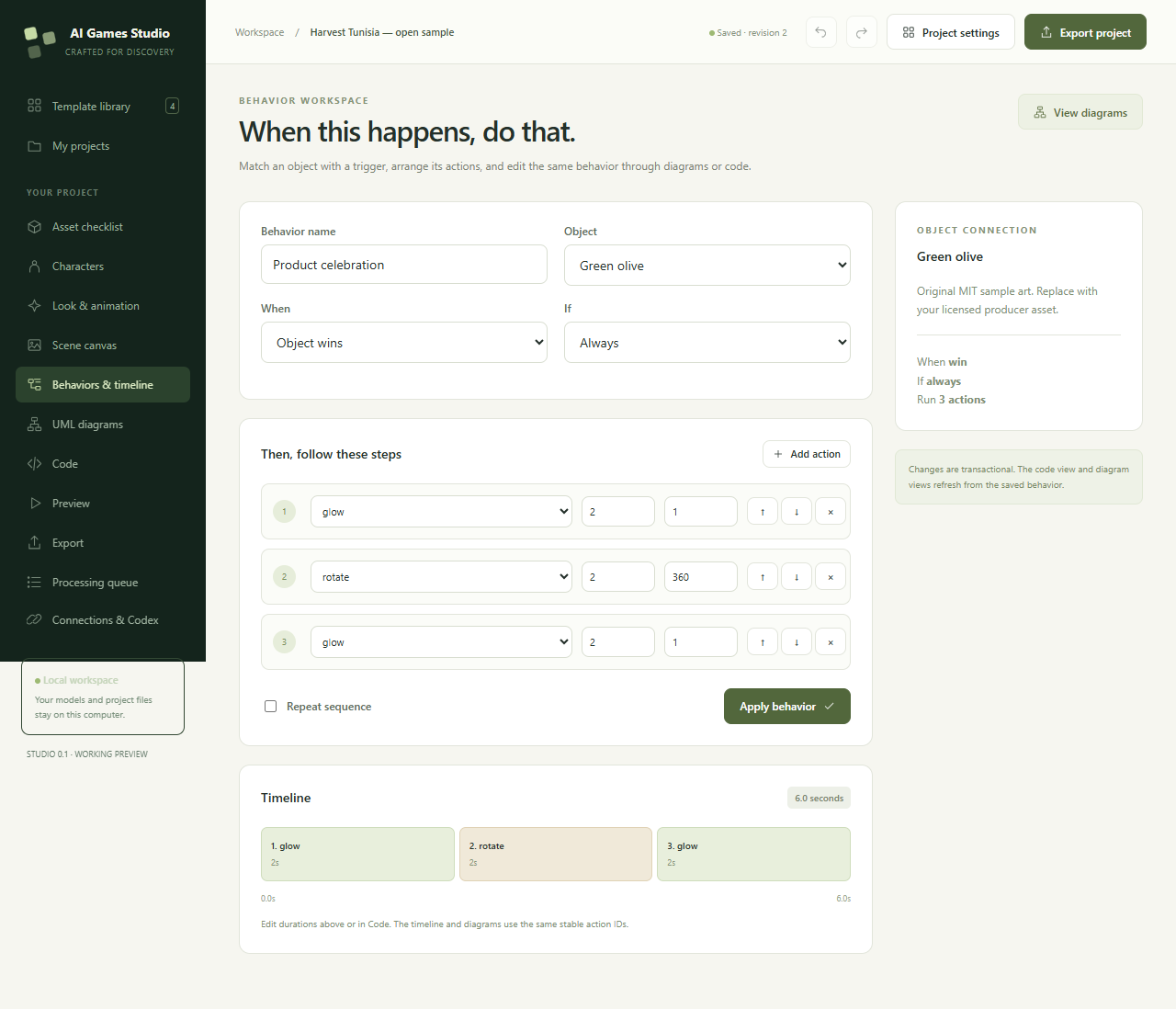
In the local Studio, behavior cards, six diagram projections, and supported TypeScript configuration share one saved model. Codex can edit that model through the same revision-checked MCP API.
Understand the two-way workflow ↗This is supported configuration round-tripping—not automatic reconstruction of arbitrary game code.
{ "action": "glow", "seconds": 1.5, "value": 1 }This website illustration links the slider, diagram and code locally. To edit a real project, run Studio and connect its MCP.
 A REAL CHANGE. A REVIEWABLE DIFF.
A prompt.
A code change.
A visible result.
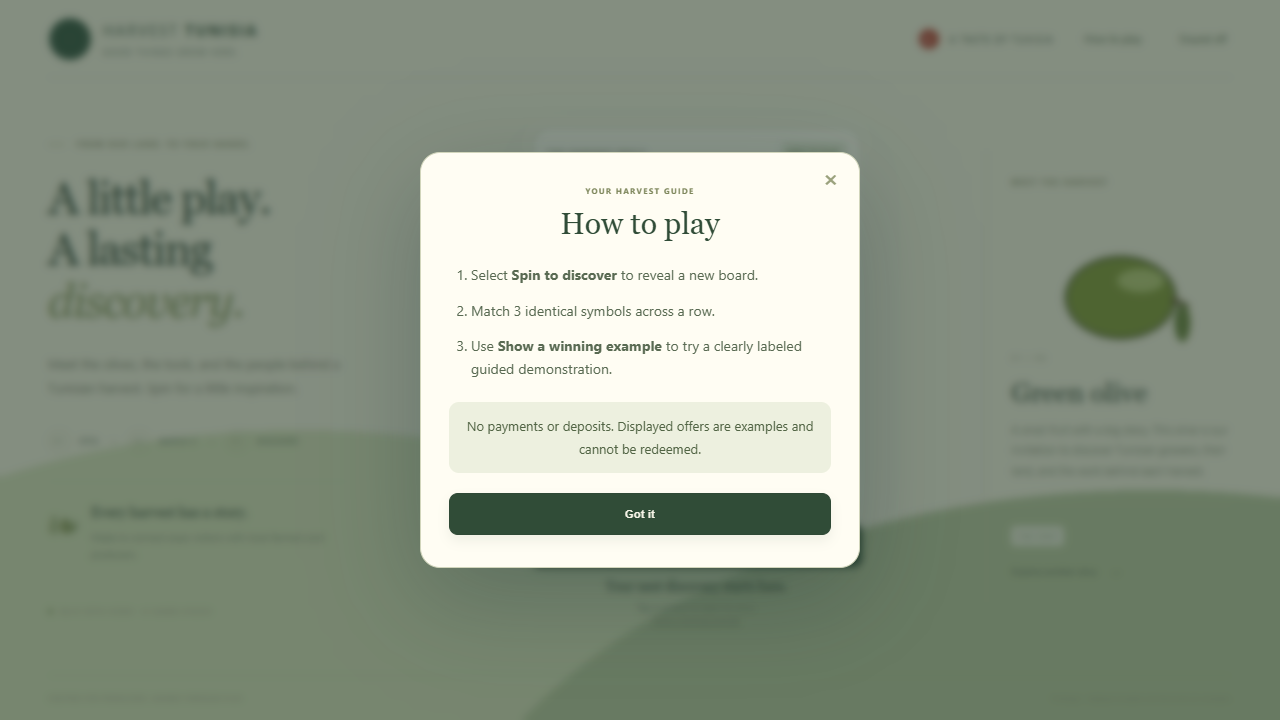
Follow a complete small feature: add a “How to play” dialog, inspect the actual HTML, CSS and JavaScript, regenerate the game, and check the result.
Follow the tutorial Beginner friendly · 10–15 minutes · No engine install neededAdnen Ben Abdelaali
“I want to make practical Codex workflows useful to creators in Tunisia and beyond—and share the process, not just the result.”
My story & contribution plan ↗TUNISIA
A prototype you can
look inside.
The code, examples, lessons and limitations are all part of the project.
What can I try today?
A standalone Harvest Tunisia browser game, the local visual authoring tool, supported behavior/code synchronization, an original Blender-baked bottle atlas, and editable Cocos source examples.
Does it automate every creative step?
No. Asset-store downloads, Mixamo retargeting, arbitrary sketch exports and unrestricted code-to-UML recovery are not implemented. The guide distinguishes demonstrated features from planned work.
Are the sample offers real prizes?
No. The public example is free promotional play with demonstration-only offers. It accepts no payments or deposits and issues no redeemable reward.
Is this an official OpenAI product?
No. This is Adnen’s independent project, prepared for a Codex Content Ambassador application. It does not imply appointment, sponsorship or endorsement.